DocuSign PI Assessment Guide: Cognitive and Behavioral Tests, Score Targets, and Practice Strategy (2026)
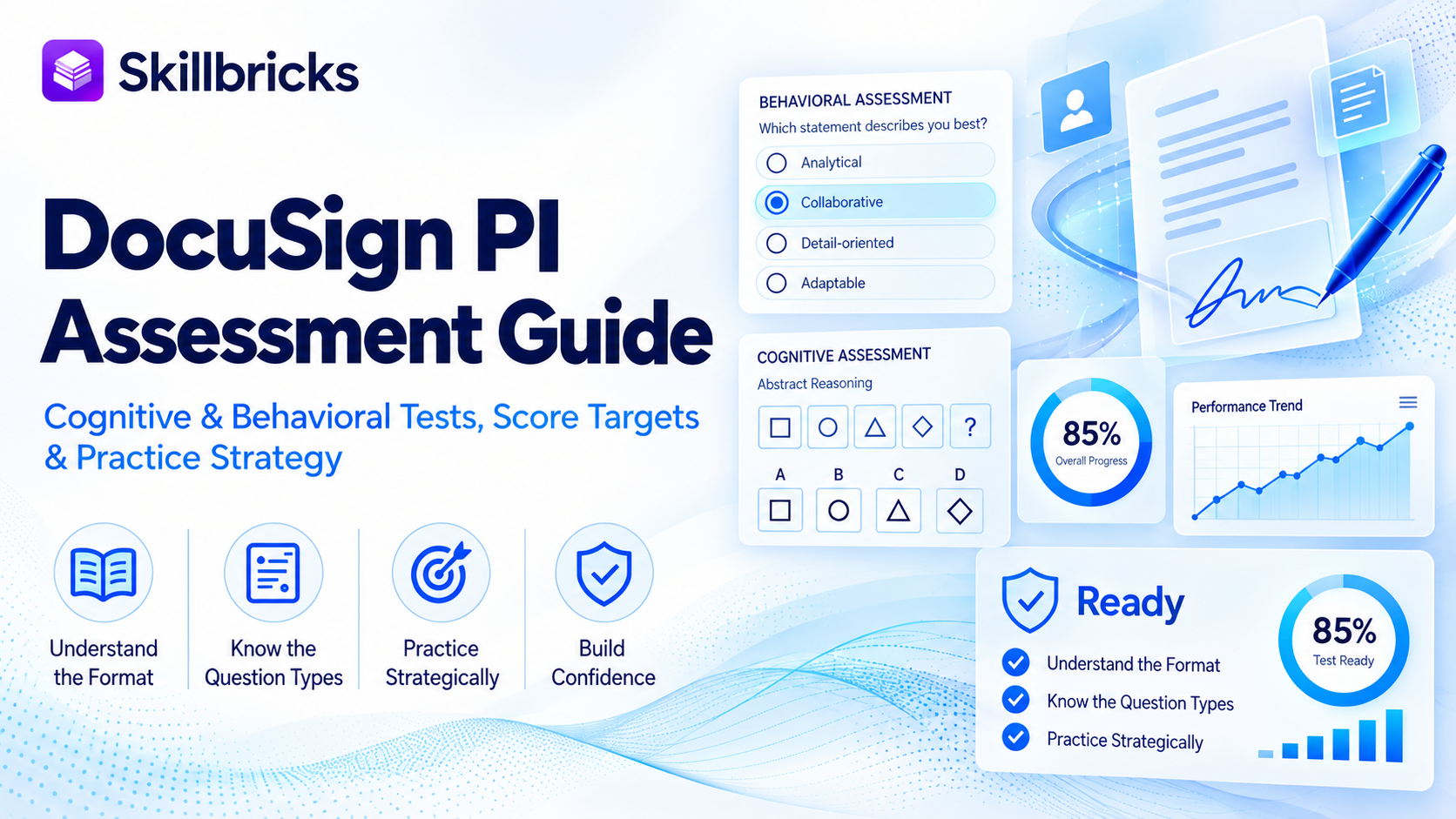
If you applied to DocuSign and just received an email from The Predictive Index, you are not alone. DocuSign is one of the better-documented Predictive Index customers in tech, and PI assessments are a real part of how it screens candidates, especially for sales roles.
The good news: the PI Cognitive Assessment is short, predictable in format, and very trainable. This guide covers how DocuSign uses PI, what each assessment looks like, how scoring works, and a practice plan that builds the speed the test rewards.
Does DocuSign use the Predictive Index?
Yes. The Predictive Index has published a customer story on DocuSign's sales hiring. According to that story, DocuSign's recruiting team sent out 900 PI Behavioral Assessments and hired 250 sales executives and representatives in a single year. DocuSign's leadership built a PI Job Assessment from the profiles of its top performers and recalibrated it every quarter, so each new round of candidates was compared against the current best people in the role.
That tells you two useful things. First, PI is used as a structured, repeatable step, not an occasional extra. Second, your results are compared against a target the hiring team set for your specific role.
One honest caveat: DocuSign's public PI story focuses on the Behavioral Assessment. Whether you also receive the Cognitive Assessment depends on the role. When an employer uses both, PI's own system typically sends the Cognitive Assessment automatically by email after you finish the Behavioral Assessment. If a second email arrives after your first survey, that is almost certainly it.
The DocuSign hiring process
The process varies by role and team, but candidates generally move through these stages:
Online application. Apply through the DocuSign careers site or a referral. Recruiter screen. A short call about your background, the role, and your motivation. PI assessments. An emailed link to the PI Behavioral Assessment, and for many roles the PI Cognitive Assessment. This is the stage this guide focuses on. Hiring manager and team interviews. Behavioral interviews for all roles. Sales roles often include role plays or a pitch. Engineering roles include coding and system design rounds. Final round and offer. A final conversation, followed by an offer and background check.
Across more than 1,100 interview reports on Glassdoor, DocuSign's hiring process averages about 26 days. Candidates rate Strategic Account Executive and Sales Manager interviews as the hardest. That timeline usually leaves you a week or more between the recruiter screen and the assessment link, which is enough time to prepare properly.
The PI Behavioral Assessment
The Behavioral Assessment is untimed and has two questions. Each shows a list of adjectives. The first asks you to pick the words that describe how others expect you to act, and the second asks you to pick the words that describe who you really are.
There are no right or wrong answers, and you cannot fail it. It produces a behavioral pattern that DocuSign compares to its Job Assessment for the role. Answer honestly and quickly. Trying to game it toward what you think a sales profile looks like tends to produce an inconsistent pattern, which works against you.
The PI Cognitive Assessment
This is the part you can and should prepare for.
Format. 50 questions in 12 minutes. That works out to about 14 seconds per question, and very few candidates reach the end.
Question types. Three families, mixed together rather than grouped into sections:
Verbal reasoning. Analogies, antonyms, sentence completion, and short logic statements where you decide if a conclusion is true, false, or cannot be determined. Numerical reasoning. Quick arithmetic, number series, percentages, fractions, and short word problems. No calculator. Abstract reasoning. Shape sequences, matrices, and odd-one-out problems where you spot the rule and apply it.
Security. PI builds a unique set of questions for each candidate, and the test blurs the screen and blocks copy and paste if you navigate away. Memorizing answers does not work. Building speed on the question types does.
How scoring works and what score to aim for
Your score is based only on how many questions you answer correctly. There is no penalty for a wrong answer, so never leave a question blank when time is running out.
DocuSign's hiring team sets a Cognitive Target for your role by answering a short questionnaire about the job's demands. Your score is then shown against that target range. You also get three subscores (verbal, numerical, and abstract), but the overall score against the target is what the hiring team looks at first.
DocuSign does not publish its targets, and they differ by role. A widely cited rule of thumb from prep sources is to aim at least two points above the employer's target. In practice, that means getting as many correct answers as you can in 12 minutes, with accuracy first and speed second.
Timing strategy that works Skip hard questions fast. If a question is not clicking in about 15 seconds, make your best guess and move on. You can go back, but most people never have time to. Guess on everything. No penalty for wrong answers means a blank is always worse than a guess. Know the question types cold. Recognizing a question type instantly saves several seconds per item, and across 50 items that adds up to many extra answers. Do mental math, not written math. Scratch paper is allowed, but writing out full calculations eats your clock. Practice estimating and eliminating answer choices. Practice under the real clock. Untimed practice builds accuracy. Only timed practice builds the pace this test measures. How to prepare
The most effective preparation is repeated, full-length, timed practice until 12 minutes feels normal.
Skillbricks is built for exactly this test. You get timed 12-minute PI Cognitive Assessment simulations drawn from a bank of more than 1,200 questions across verbal, numerical, and abstract reasoning, with an explanation for every question and per-category analytics that show where you are losing time.
A realistic plan:
Days 1 to 2. Take one full timed simulation to find your baseline and your weakest category. Days 3 to 6. Short targeted sessions on your weakest category, then review every miss. Final 2 days. Two or three more full simulations to lock in your pace. Stop the night before and rest.
If you are also interviewing with other companies that use PI, the same practice carries over directly. See our guides for Stryker and Spring Health.
Frequently Asked Questions
Does every DocuSign role require the PI Cognitive Assessment?
No. DocuSign is a documented PI Behavioral Assessment user, especially in sales. The Cognitive Assessment is added when the hiring team sets a Cognitive Target for the role. If you receive it, the format is the same standard 50 question, 12 minute test.
Can I retake the PI Cognitive Assessment?
Normally you get one attempt. Additional attempts are only possible if the employer issues a retake, so treat your first attempt as the one that counts.
Is the DocuSign PI test hard?
Individual questions are not especially difficult. The challenge is the pace. Candidates who have practiced under a 12 minute clock find it far more manageable than those seeing the format for the first time.
Can I use AI or look answers up?
No. PI generates a unique question set for each candidate and uses anti-cheating measures during the test. Preparation is the only reliable way to improve your score.
How long should I prepare?
One week of focused, timed practice is enough for most candidates. If your assessment is only a day or two away, take two full simulations and review your misses.